hello@sofrik.com

Real Estate CRM or Spreadsheets? A Simple Checklist to Choose the Right Option

sofrik
16 September 2026


For many real estate businesses, spreadsheets are the first tool used to track leads, properties, follow-ups, and sales. They are familiar, flexible, and inexpensive. But as the number of leads and team members grows, managing everything in Excel or Google Sheets can become difficult.
So, should you continue using a spreadsheet or move to a real estate CRM?
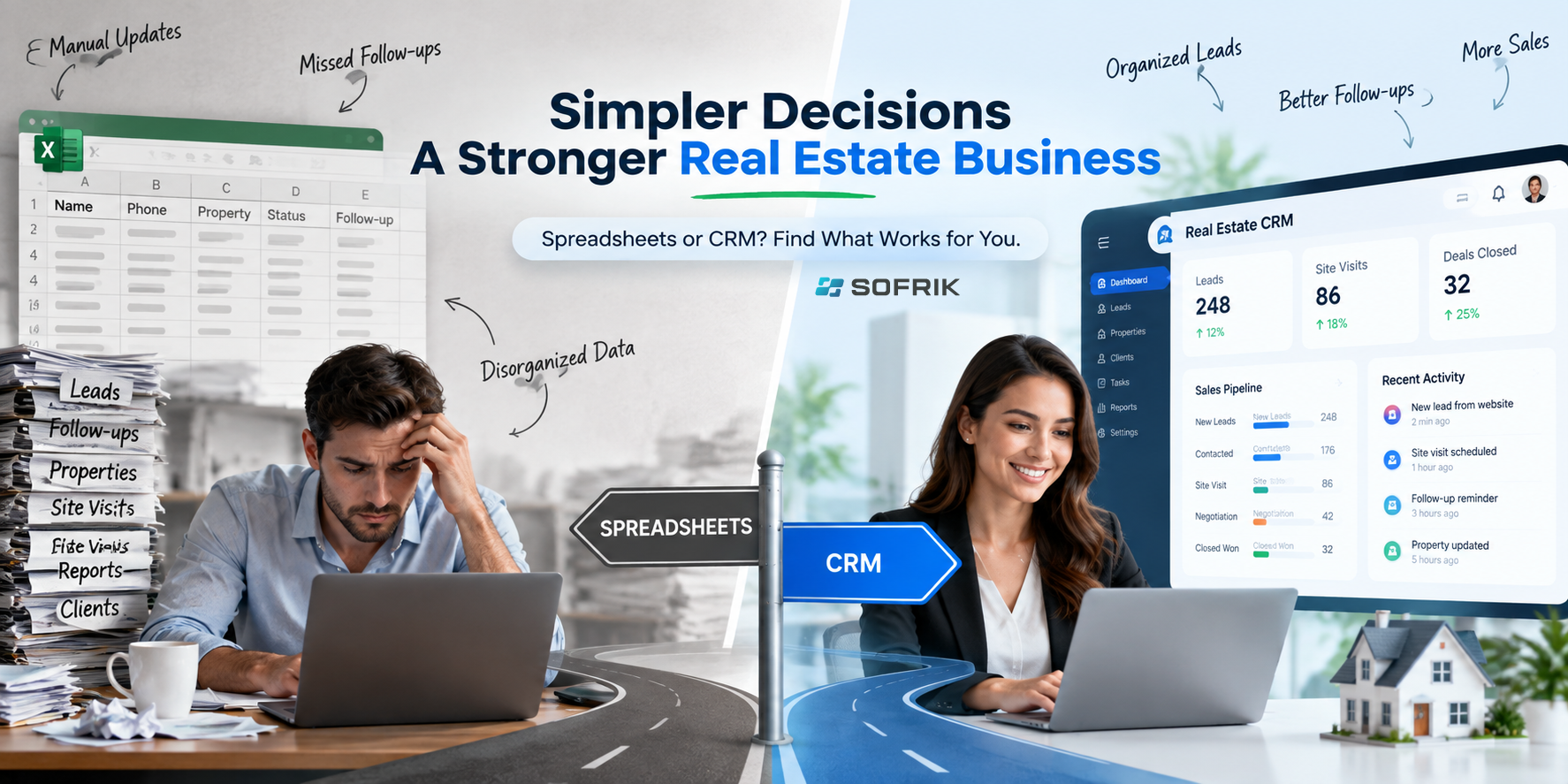
The answer depends on how your business works today. A spreadsheet can be perfectly suitable for a small operation. A CRM becomes more useful when your team needs automated follow-ups, shared information, lead ownership, property tracking, and better visibility into sales activities.
Use this simple checklist to decide which option fits your business.
When Is a Spreadsheet Enough for Real Estate?
A spreadsheet may still work well if:
- You manage a small number of leads.
- One person handles most of the sales process.
- You don’t need automated reminders.
- Your property inventory is relatively small.
- You rarely need detailed reports.
- Everyone can easily keep the sheet updated.
- You don’t need to connect leads from different sources.
For a solo agent or a small team with a simple process, moving to a CRM too early can add unnecessary cost and complexity.
The problem begins when the spreadsheet becomes the system your entire team depends on.
When Should You Consider Real Estate CRM Software?
A real estate CRM software solution becomes more useful when your business starts handling more leads, properties, and daily activities.
Ask yourself these questions:
1. Are leads being missed?
If leads arrive through your website, social media, advertising, referrals, calls, or property portals, manually adding every enquiry to a spreadsheet can become difficult.
A real estate CRM can centralize lead information, so your team has one place to manage prospects. For example, Sofrik’s Real Estate CRM provides lead management for capturing inquiries, assigning leads, tracking follow-ups, and recording client interactions.
2. Are follow-ups dependent on memory?
A spreadsheet can record a follow-up date, but someone still needs to check it and remember to act.
A CRM can organize tasks, reminders, and follow-up activities so salespeople know what needs attention. Modern systems can also automate repetitive follow-up activities instead of relying entirely on manual tracking.
3. Do several people work on the same leads?
This is one of the biggest warning signs.
When multiple agents edit the same spreadsheet, it can become difficult to know who owns a lead, what action was taken, or when the customer was last contacted.
A CRM for real estate gives teams a shared view of leads, activities, ownership, and sales stages.
Sofrik’s CRM, for example, provides a unified workspace where teams can manage leads, listings, tasks, and client conversations in one place.
4. Are you managing property information separately?
If your team uses one spreadsheet for leads, another for property listings, and separate files for site visits or customer information, it may be time to consider a connected system.
A purpose-built CRM can bring these workflows together. Sofrik’s platform includes listing and inventory management and a property management dashboard for keeping property information organized.
5. Do you need regular sales reports?
Creating reports manually from spreadsheets takes time and can lead to inconsistent information.
A CRM can provide dashboards and reports that help managers understand lead activity, sales performance, follow-ups, and pipeline progress.
This is particularly useful as a business grows and managers need a clearer view of performance without manually combining information from multiple spreadsheets.
Real Estate CRM vs Spreadsheet: Simple Comparison
| Requirement | Spreadsheet | Real Estate CRM |
|---|---|---|
| Basic lead list | ✓ | ✓ |
| Small-scale tracking | ✓ | ✓ |
| Automated follow-ups | Limited | ✓ |
| Lead assignment | Manual | ✓ |
| Team collaboration | Basic | ✓ |
| Property management | Manual | ✓ |
| Activity history | Limited | ✓ |
| Sales pipeline | Manual | ✓ |
| Reports and dashboards | Manual | ✓ |
| Business scalability | Limited | ✓ |
The important point is not that a CRM is always better. It is that each tool is designed for a different level of complexity.
A Simple Checklist to Choose the Right Option
Give yourself one point for every “Yes.“
- Do you have more than one person managing leads?
- Are leads coming from several sources?
- Are follow-ups sometimes missed?
- Do you need to assign leads to specific team members?
- Do you manage a large property inventory?
- Do managers need regular sales reports?
- Do you want automated reminders or workflows?
- Do you need a history of customer interactions?
- Are you using multiple spreadsheets for different processes?
- Is your current system becoming harder to maintain?
0–2 Yes: A spreadsheet may still be enough
If your process is simple and manageable, there may be no urgent reason to change.
3–5 Yes: Start evaluating a CRM
Your business may be reaching the point where manual tracking is taking too much time.
6–10 Yes: Consider a real estate CRM
Your team likely needs a more connected system for lead management, follow-ups, property information, and reporting.
This isn’t a strict rule. The right choice depends on your team size, lead volume, sales process, and business goals.
What Should You Look for in a Real Estate CRM?
If you decide to move beyond spreadsheets, don’t choose a CRM simply because it has a long list of features.
Look for features that solve your actual problems.
A useful real estate CRM should make it easier to:
- Capture and organize leads
- Assign leads to team members
- Track follow-ups
- Schedule property visits
- Manage property listings and inventory
- Track customer interactions
- Monitor sales activities
- Generate useful reports
- Keep information in one centralized system
It should also be simple enough that your team will actually use it every day.
For a broader explanation of how CRM systems centralize customer information, manage sales activities, and improve team workflows, see Sofrik’s guide on what CRM software is and how it helps growing businesses.
What About Sofrik’s Real Estate CRM?
Sofrik’s Real Estate CRM is designed around the day-to-day requirements of real estate teams. It brings lead management, property listings, client information, follow-ups, site-visit scheduling, and business insights into one centralized platform.
For example, the platform supports lead assignment and follow-up tracking, property visit scheduling with reminders, listing and inventory management, and a property management dashboard. It also includes sales automation, a 360° customer view, reporting, and team collaboration features.
The system can also be configured around a business’s existing workflow. Sofrik’s implementation process includes understanding the client’s property workflow and sales cycle, custom configuration, data import, training, and ongoing support.
If your spreadsheet is still working, you don’t need to replace it simply because CRM software exists. But if missed follow-ups, scattered information, manual reporting, or growing team coordination are becoming everyday problems, it may be time to evaluate a real estate CRM.
Final Checklist
Before making a decision, ask:
Is my current system saving my team time—or creating more work?
If a spreadsheet gives you everything you need, keep using it.
If your team needs better real estate lead management, automated follow-ups, property tracking, collaboration, and reporting, a dedicated CRM may be the better long-term option.
The right technology isn’t the one with the most features. It’s the one that makes your team’s daily work simpler and helps you manage your customers and properties more effectively.
This guide follows a people-first approach, focusing on practical business needs rather than choosing software simply because it has more features. You can also review Google’s creating helpful, reliable, people-first content guidance for more information on creating useful online content.